


Login: Student ID# / Password: MMDD of birthday

Login: Student ID# / Password: MMDD of birthday

Questions about the NHS Library? Email Mrs. Pangburn or Mrs. Pennington
Login: Student ID# / Password: MMDD of birthday
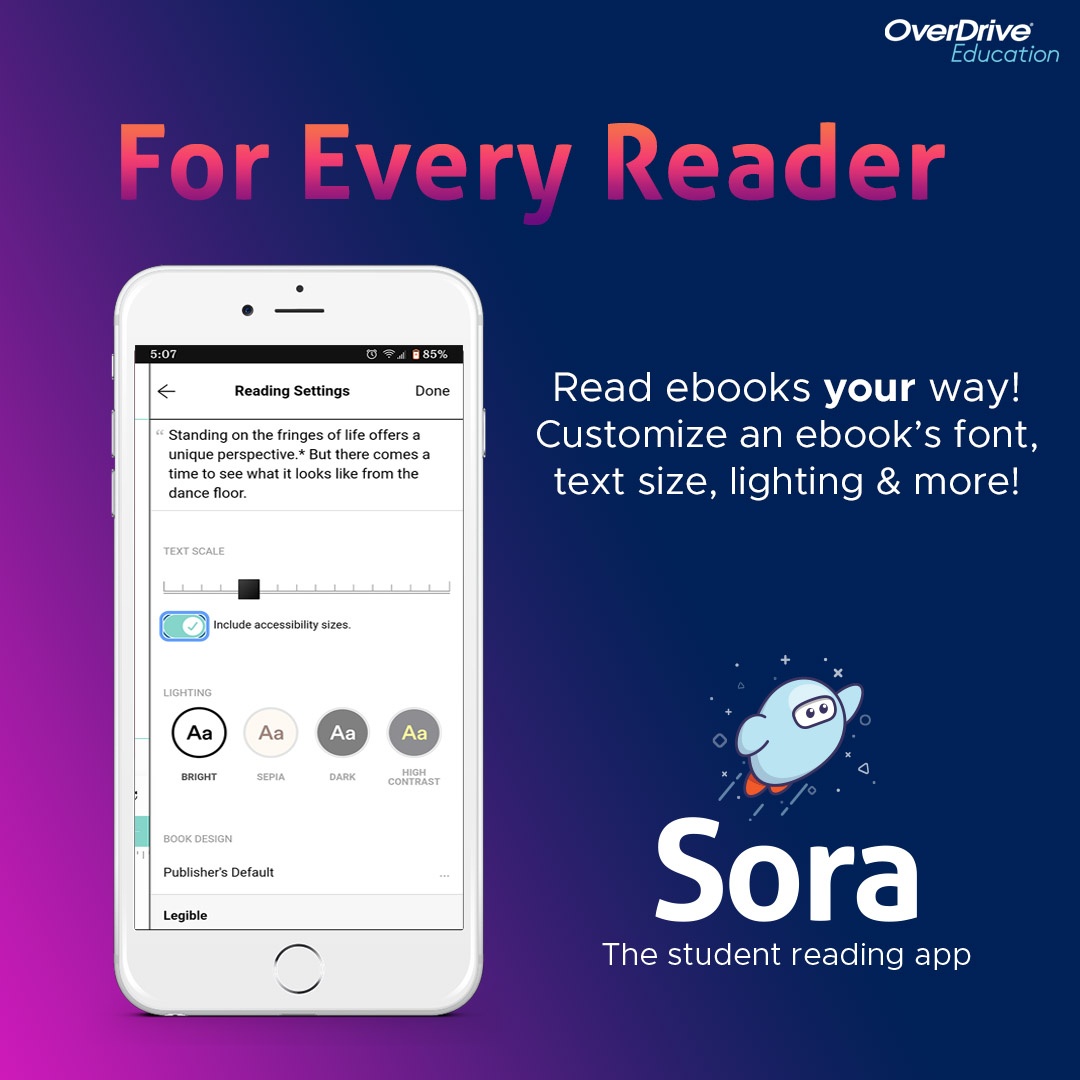
Login: Student ID# / Password: MMDD of birthday
Questions about the NHS Library? Email Mrs. Pangburn or Mrs. Pennington